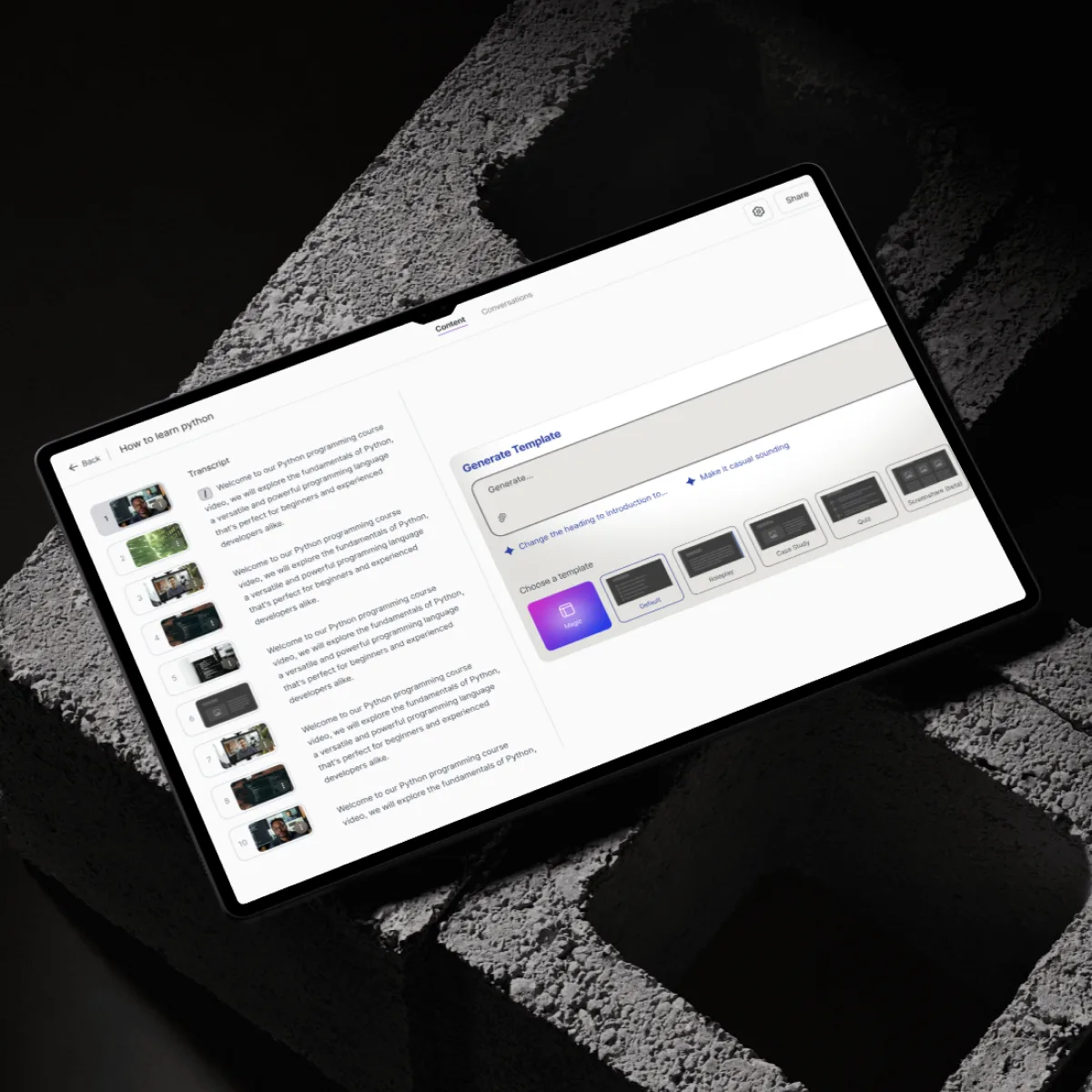
We designed a scalable AI product experience that allows users to generate and edit videos from prompts, with a focus on clarity, control, and ease of use across complex creative workflows.
View live product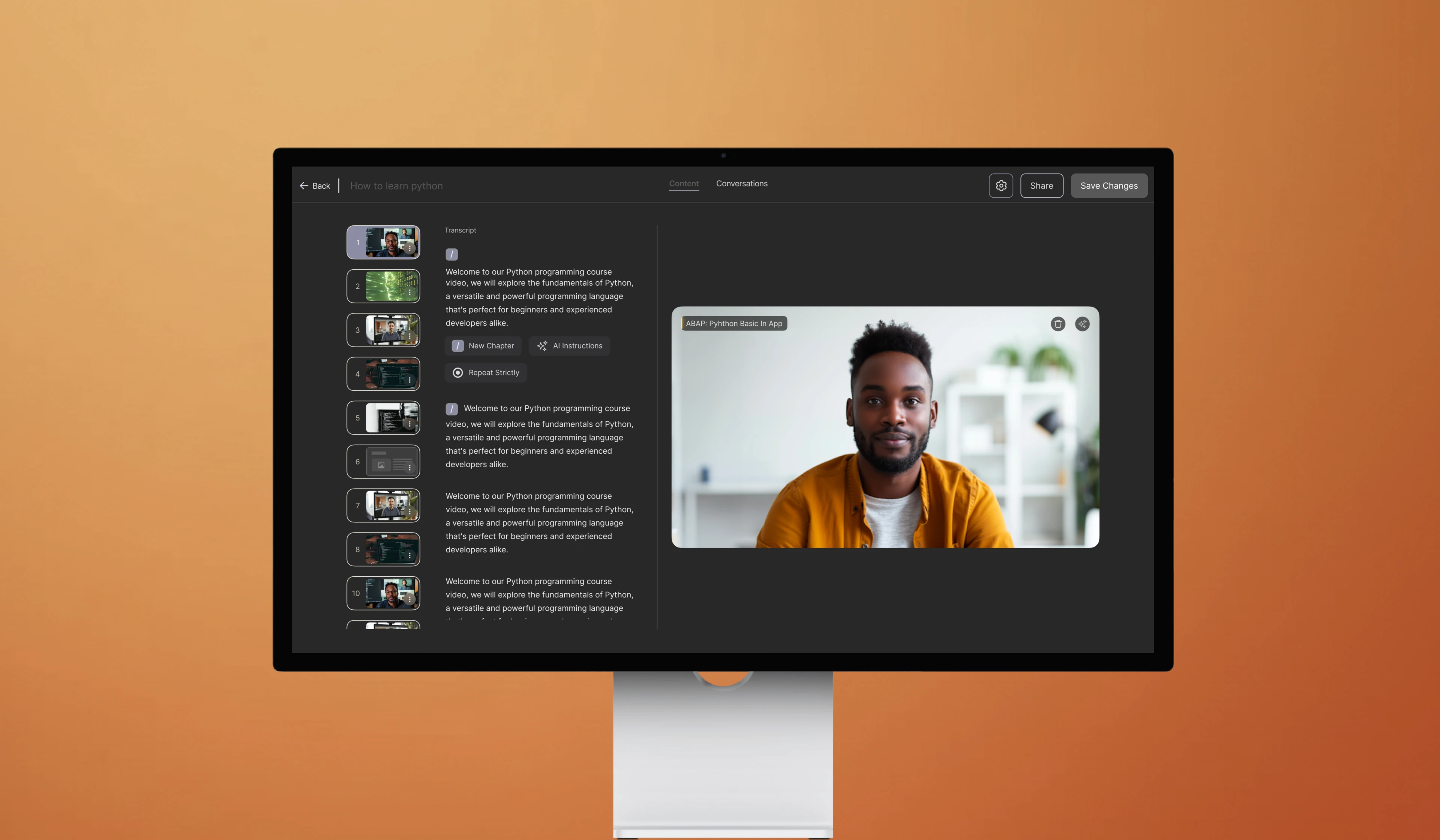
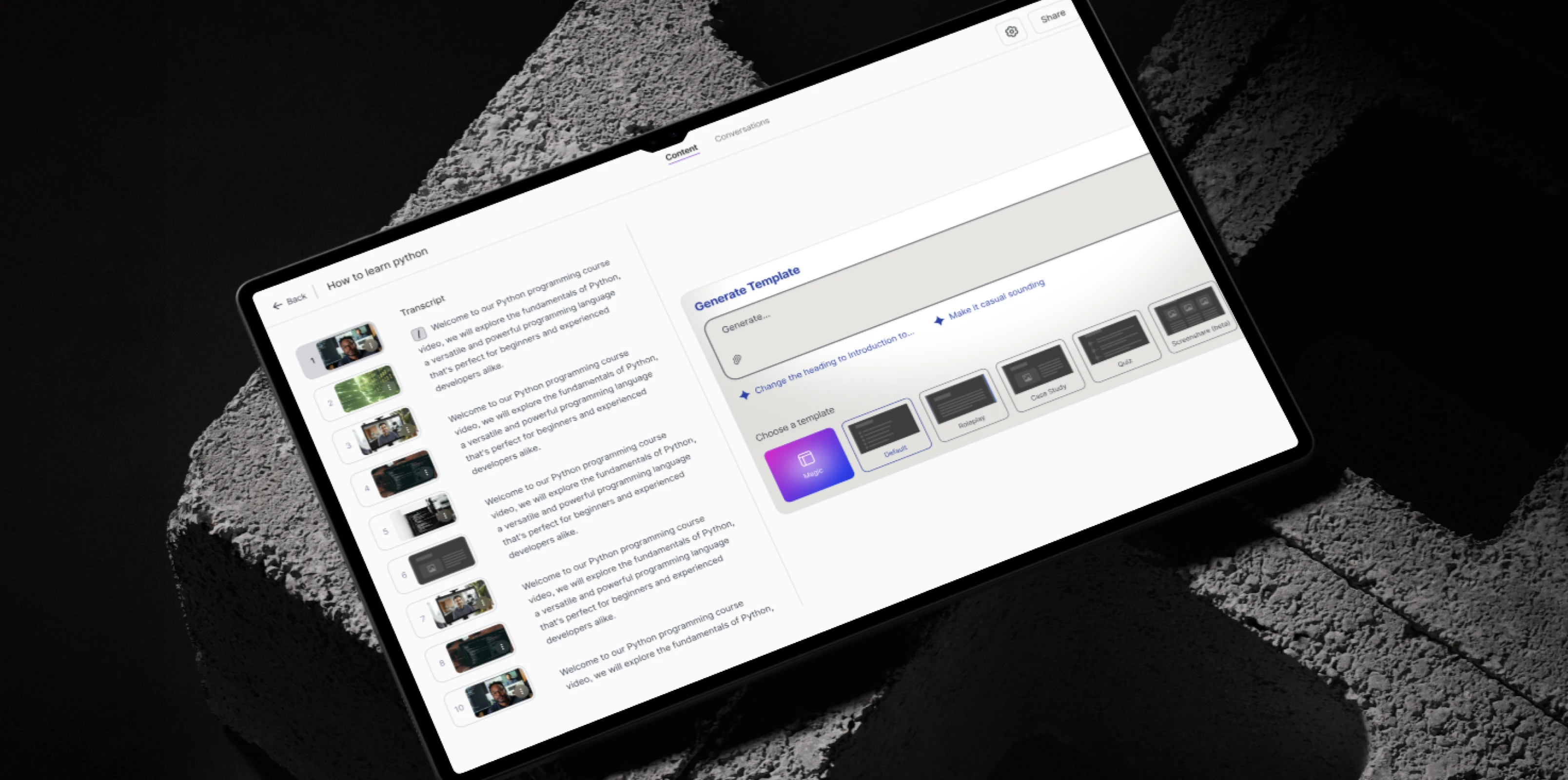
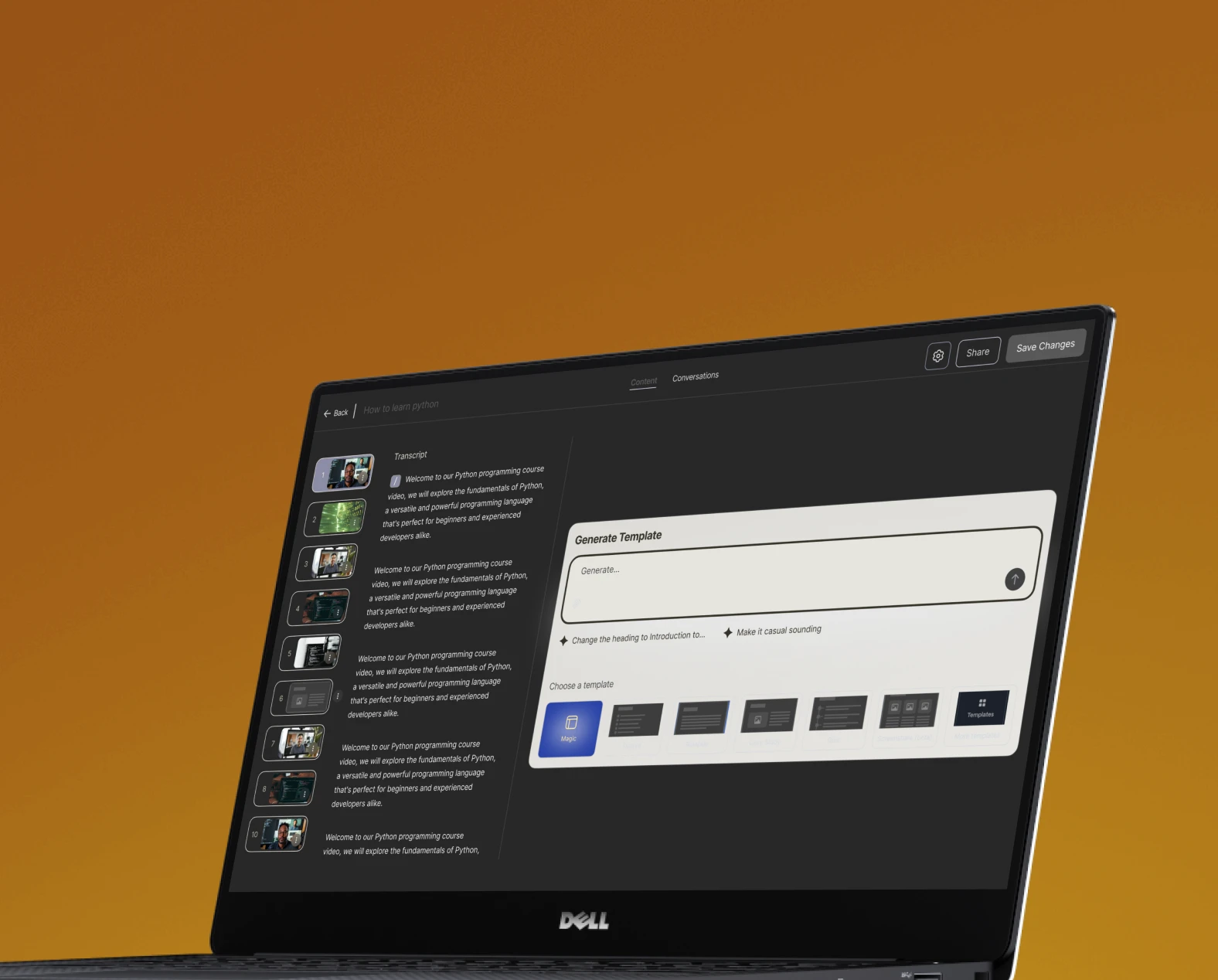
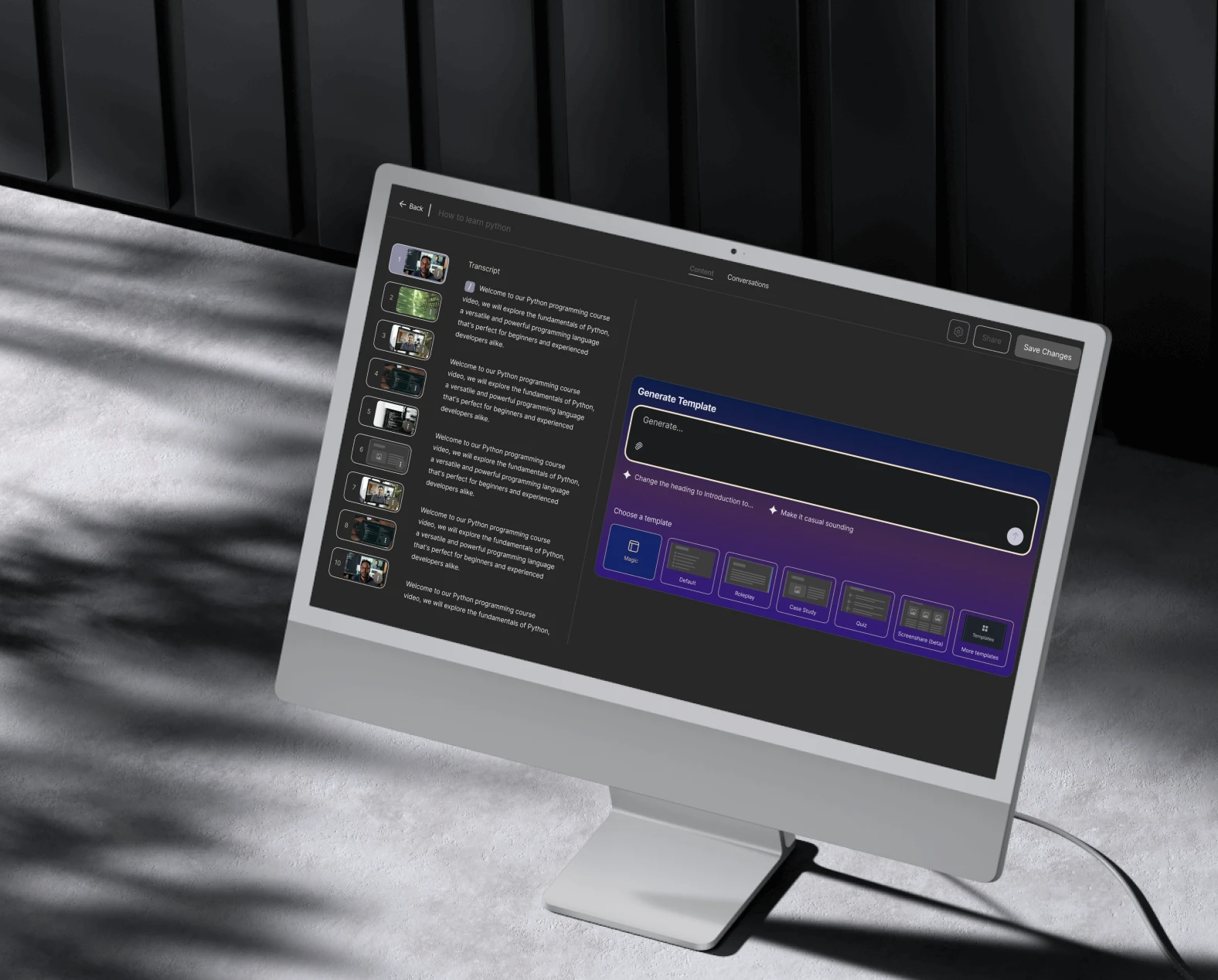
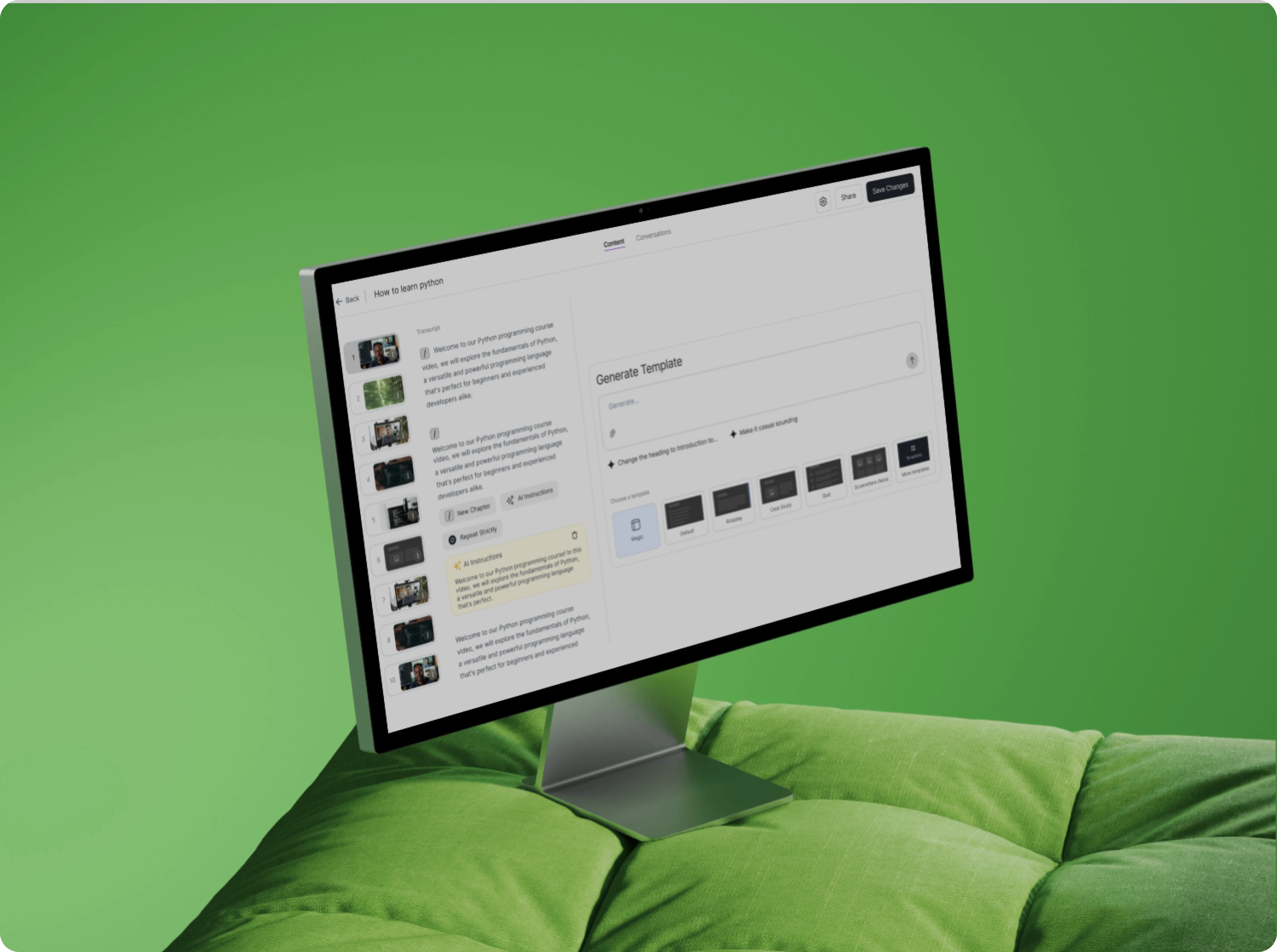
The platform is an AI-powered creative tool that enables users to generate, preview, and manage videos using text prompts. Designed as an internal B2B SaaS module with future B2C potential, it supports structured video creation through chapters, previews, and export-ready workflows.
Pencil & Screen partnered with an AI-focused company to design the UX and product experience for this module, delivering a scalable, production-ready interface that integrates seamlessly with the client's backend systems.
Simplify AI-heavy workflows
Translate complex AI processes into clear, step-by-step user journeys.
Create intuitive creator experiences
Design flows that feel natural from idea → prompt → preview → export.
Ensure consistency across the product
Develop a reusable component system for visual and interaction consistency.
Support modular and scalable growth
Build a flexible interface that can adapt to evolving AI capabilities.
Deliver a responsive, production-ready UI
Ensure the experience works seamlessly across devices and screen sizes.
User research revealed that investing decisions rarely happen in one place. People jump between videos, market charts, news platforms, and learning resources often losing context at every step. This fragmentation creates cognitive overload, slows understanding, and makes it hard for users to build confidence or progress naturally.
Without a clear mental model of where to look, what to do next, or how pieces connect, users struggle to move smoothly between learning, analysis, and action within existing financial tools.
Without a clear mental model of where to look, what to do next, or how pieces connect, users struggle to move smoothly between learning, analysis, and action within existing financial tools.
Research & IA

UX & Visual Design
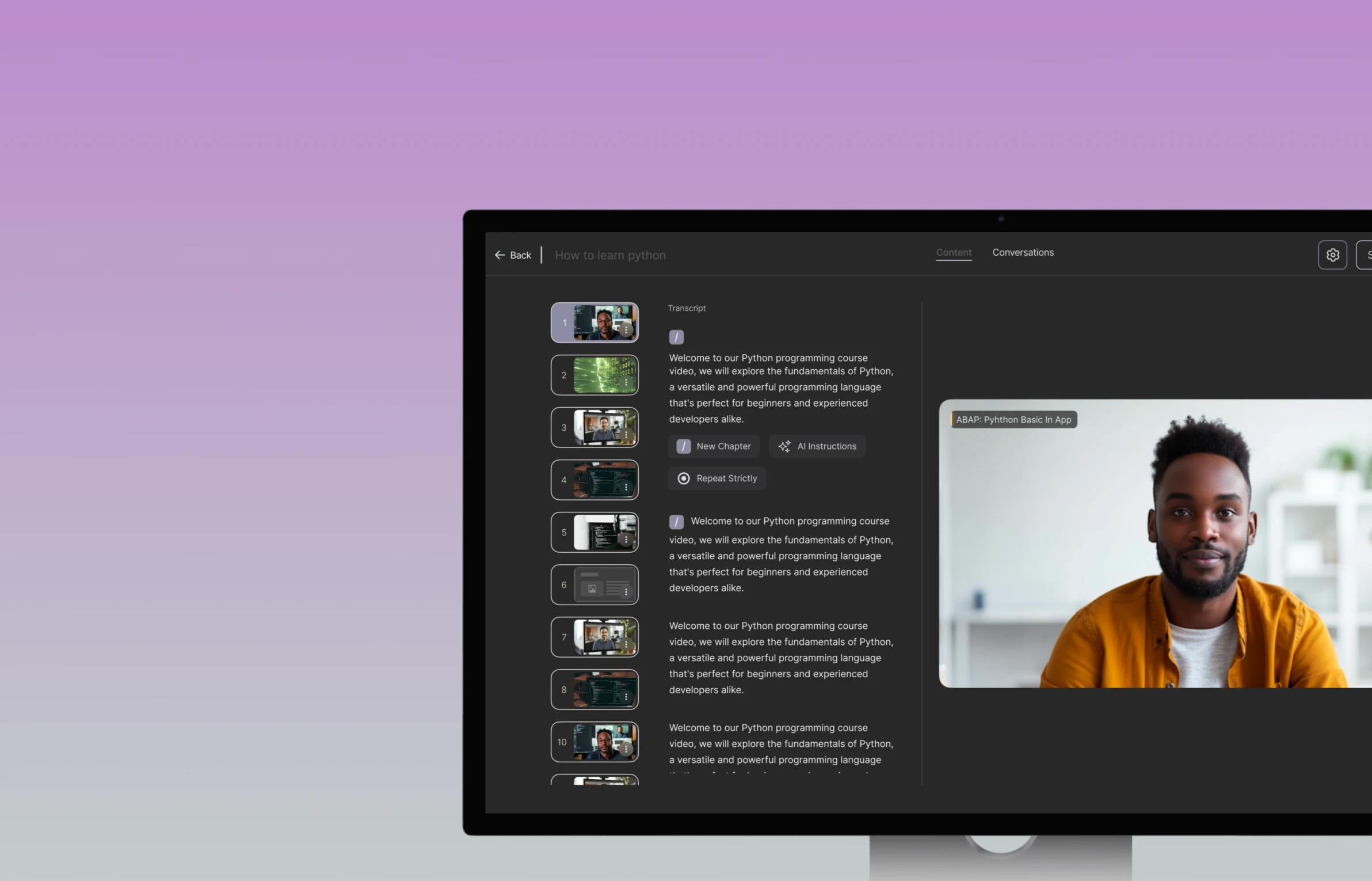
The UI design focused on making AI feel approachable — clear input states, instant feedback, and a calm visual language that keeps users in control. The interaction system is built to support fast iteration without creating confusion.
AI-driven creation workflows were hard to follow and felt abstract to users. We focused on designing guided flows that break complex processes into clear, understandable steps.
Challenge 1: Making AI workflows easier to understand
AI-driven creation workflows were hard to follow. We focused on designing guided flows that break complex processes into clear, understandable steps so users always know what is happening and what comes next.
Challenge 2: Keeping multiple projects and iterations organized
As users worked across multiple projects and versions, it became difficult to stay oriented. We introduced a project and chapter-based structure that helped users keep their work organized and move between iterations without losing context.
Challenge 3: Reducing visual overload during creation
Dense layouts and competing elements made it harder for users to focus on content creation. We simplified the interface using restraint, spacing, and clear hierarchy so attention stays where it matters most.
Challenge 4: Designing for consistent use across devices
Users needed the platform to work reliably across different screens and devices. We designed responsive layouts that adapt smoothly to different screen sizes while keeping interactions and structure consistent.
A project shaped by empathy, thoughtful design, and genuine care for its users.
A cross-platform copy trading experience across mobile and web, designed to balance real-time trading insights, compliance needs, and ease of use for first-time traders.
See next case study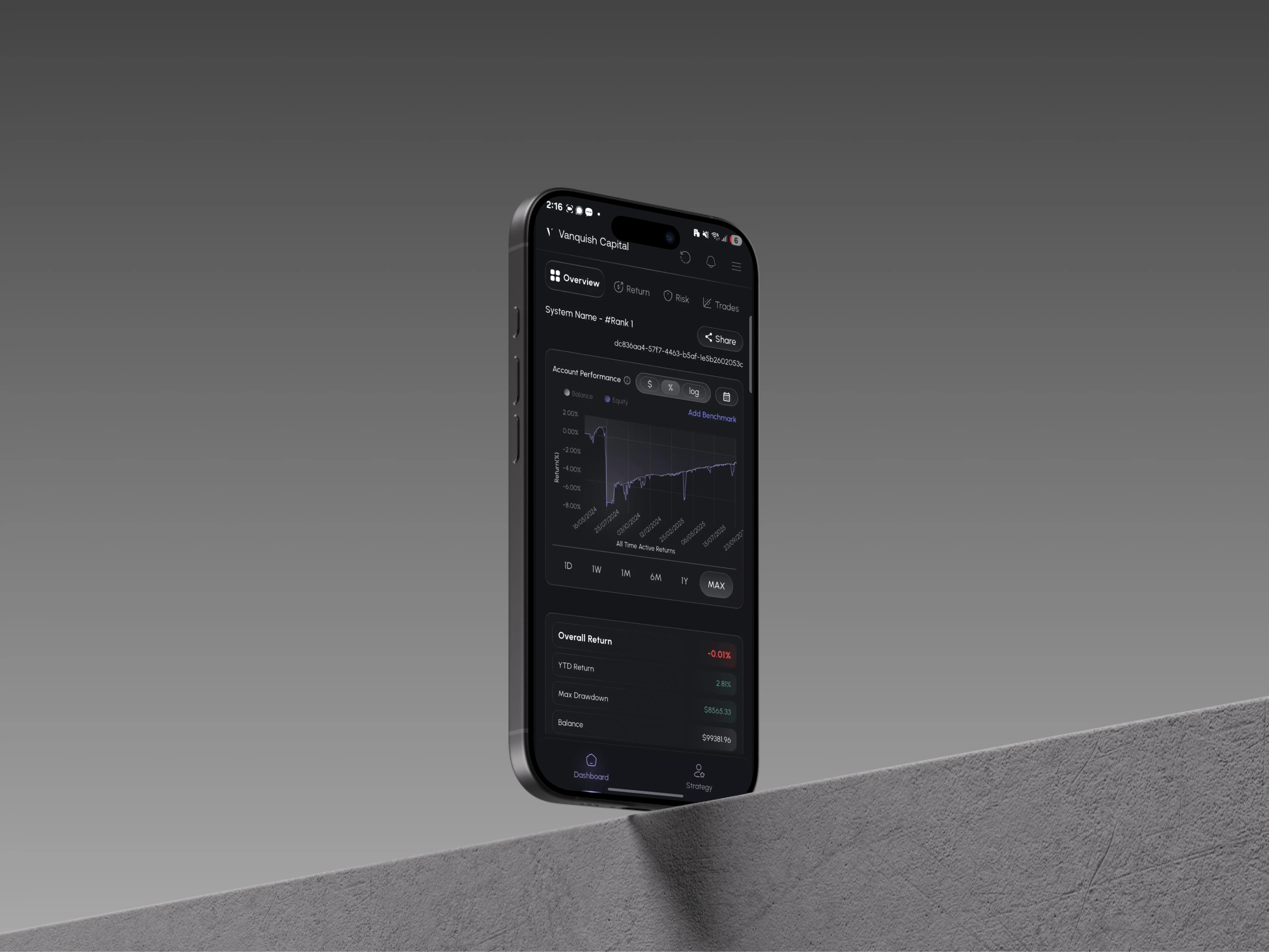
Whether you're building a product, shaping a service, or need focused design support, let's talk.
Share a few details about your project, product, or brand.
We'll get back to you within 24 hours.